 uruskan
All posts
ToolResSwitcher
ResSwitcher
One click in the system tray flips Windows between a stretched gaming resolution and your native one.
- C#
- .NET
- Windows
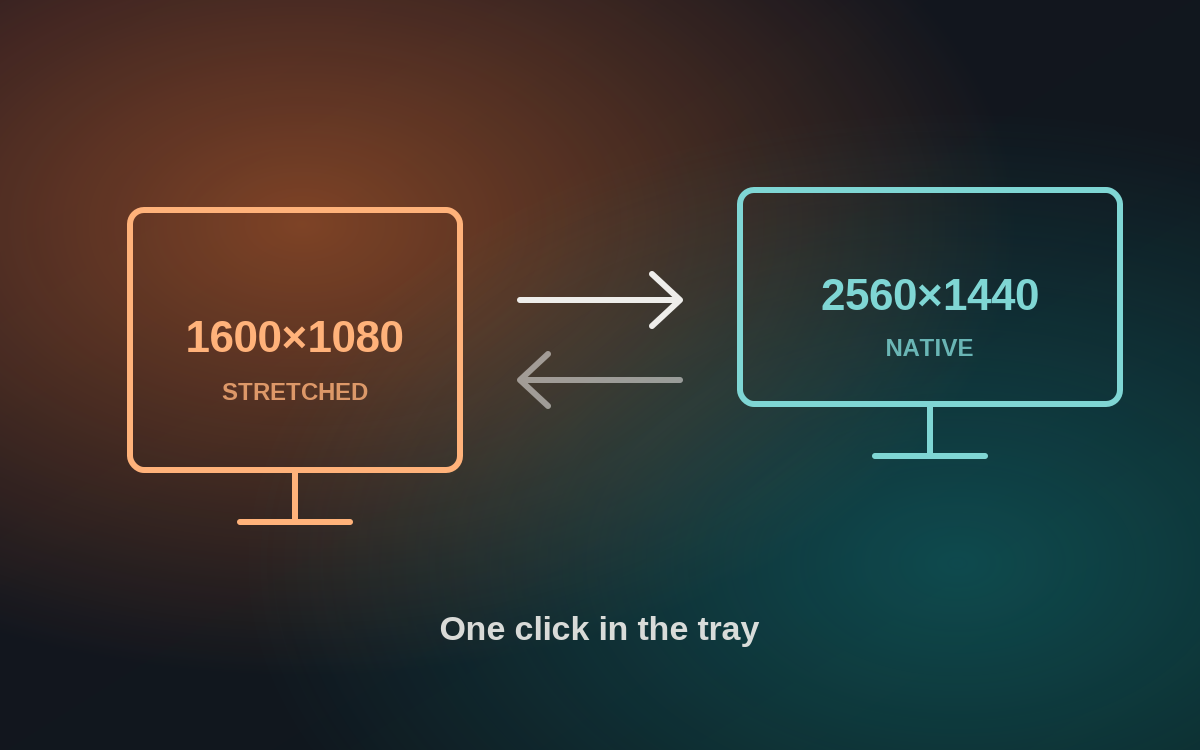
Playing at a stretched resolution and working at your native one usually means a trip to the NVIDIA Control Panel every time. ResSwitcher sits in the tray instead.
How it works
- Left-click the tray icon to toggle between the two resolutions.
- Right-click to pick a specific one, or to exit.
- The defaults are 1600×1080 for games and 2560×1440 native; change them at the top of
TrayApp.cs.
One-time setup
For a stretched resolution to actually stretch rather than show black bars, set NVIDIA's scaling once: Adjust desktop size and position, scaling mode Full-screen, performed on the GPU. After that, ResSwitcher handles the rest.